Customer insights and feedback analytics at a glance
Volume trends, top themes, sentiment, and page-level breakdowns. Prioritize with data and export to BigQuery, Snowflake, or Sheets.
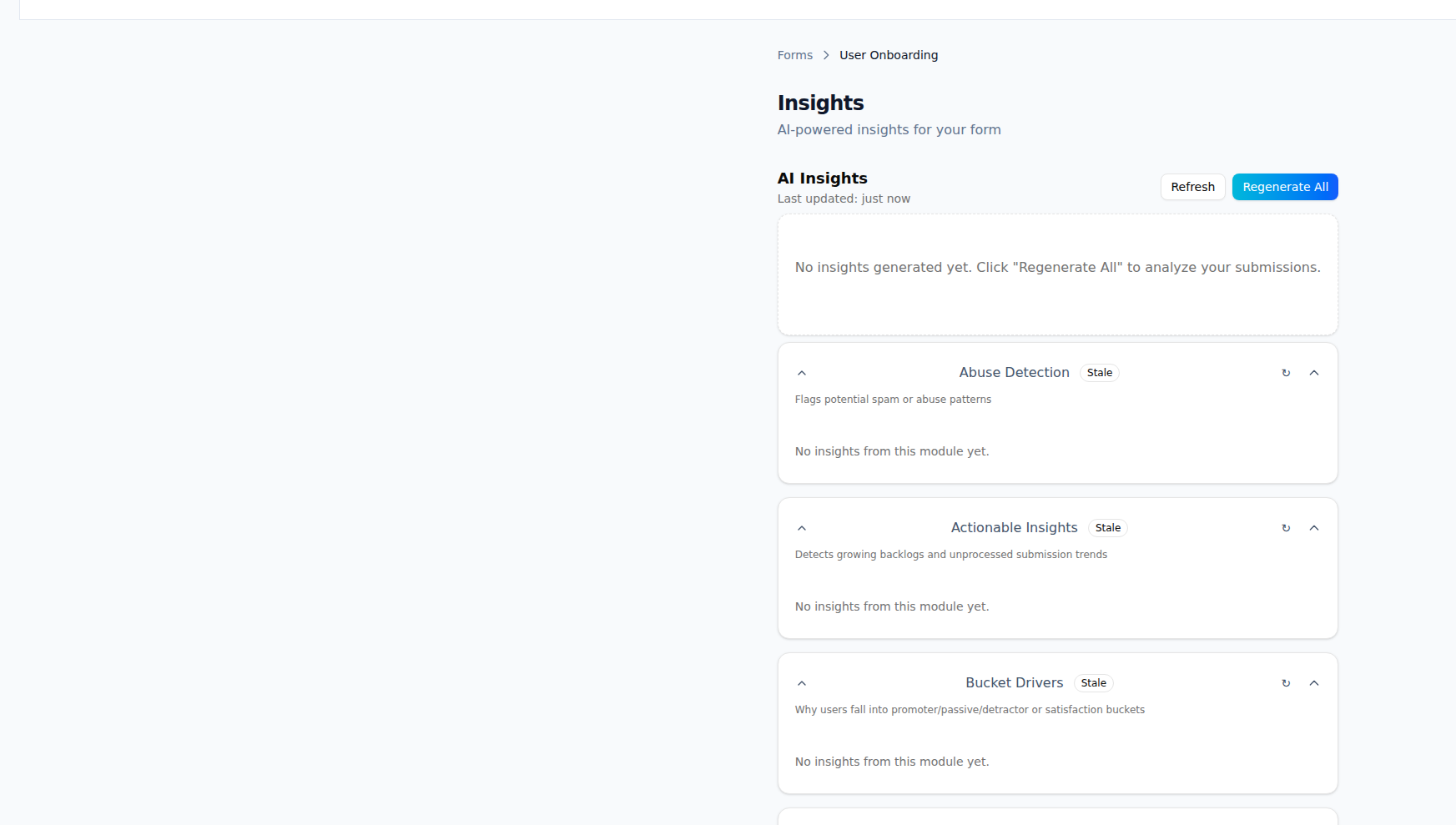
What Customer Insights gives you
Dashboards and trends that show what customers want and where to act.
Submission volume trends
See submission count over time by form, label, or segment. Spot spikes and trends without running manual reports.
Top themes and topics
Surface the most common themes, labels, and topics. Use AI-derived themes and your taxonomy to see what customers talk about most.
Sentiment over time
Track positive, neutral, and negative sentiment trends. See if product or support changes move the needle.
Page-level analytics
Break down feedback by page or URL. Identify problem areas and prioritize fixes by impact.
Prioritization signals
Combine volume, sentiment, and labels into a simple view of what to tackle first. Filter by form or product area.
Export and warehouse sync
Export to CSV or sync to BigQuery, Snowflake, or Google Sheets for deeper analysis and existing BI tools.
How it works
Collect feedback in forms
Submissions from your forms (and optional AI labels) feed the insights engine. No extra setup once forms and labeling are on.
View dashboards
Open the insights area to see volume, themes, sentiment, and page-level views. Adjust time range and filters.
Prioritize
Use top themes and prioritization signals to decide what to fix or build. Drill into specific pages or labels.
Export or sync
Export to CSV or connect BigQuery, Snowflake, or Sheets to pull ShapeShip data into your warehouse or reports.
Frequently asked questions
Use cases
Sync Form Submissions to Data Warehouses
Sync Form submissions to BigQuery or Snowflake for advanced analytics. Combine feedback data with other business metrics.
Export Form Submissions to Spreadsheets
Export Form submissions to Google Sheets or Airtable. Keep your data organized and accessible in spreadsheets.
Enrich Your CRM with Customer Feedback
Sync Form submissions to Salesforce or HubSpot. Enrich your CRM with customer feedback and insights.
Ready to use Customer Insights?
Start capturing and acting on feedback today. Free plan includes everything you need.