Close the loop with submitters and stakeholders
Resolution notifications, status updates, and email digests so customers and teams know when feedback is acted on.
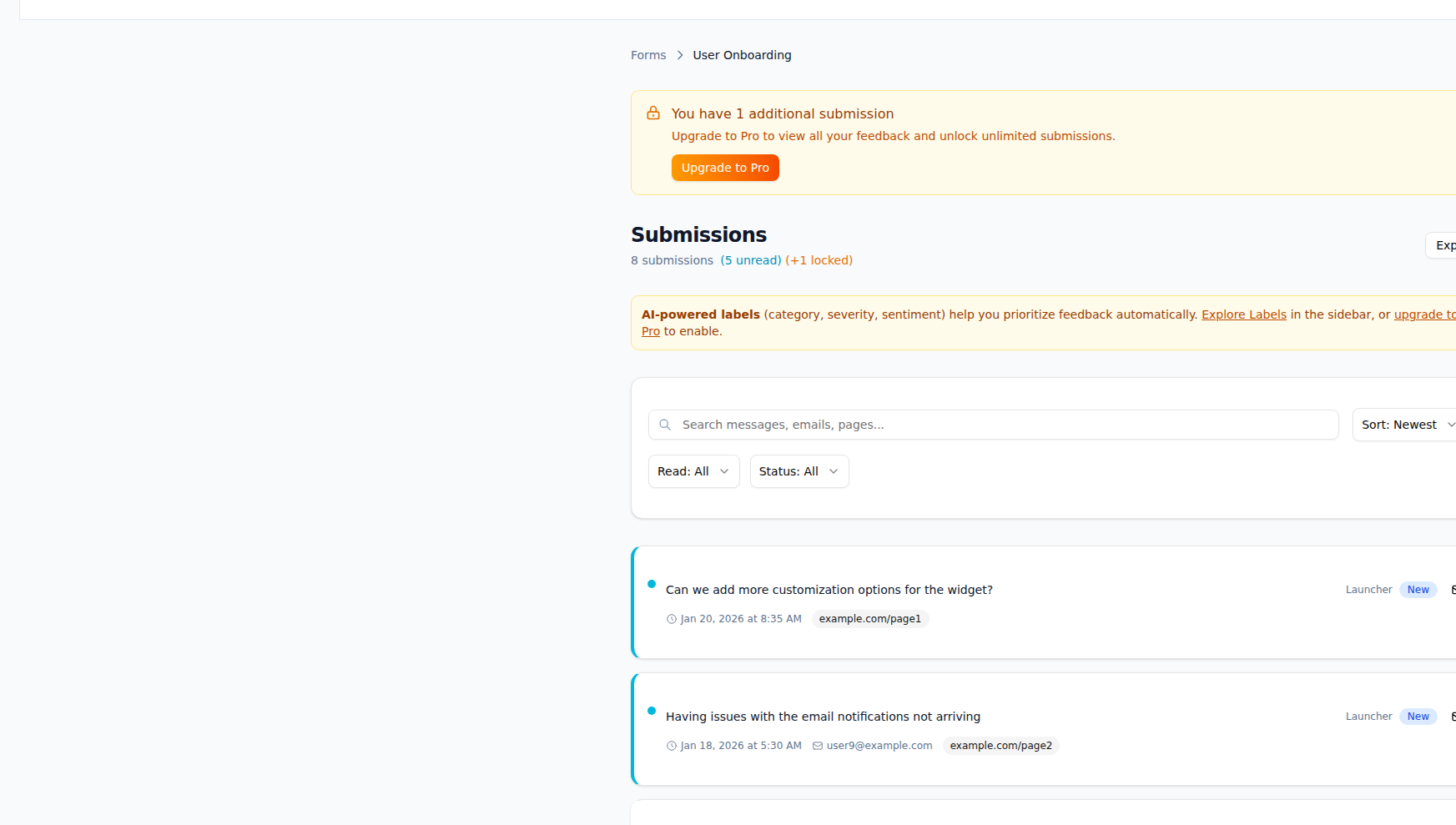
What Close the Loop gives you
Follow up with submitters and keep stakeholders in the loop.
Follow up with submitters
When feedback is resolved or updated, optionally notify the submitter by email so they know their voice was heard.
Resolution notifications
Trigger notifications when a submission is marked resolved or linked to a completed action (e.g. Jira issue closed).
Email digests for stakeholders
Send scheduled or on-demand digests to teams or leads. Summarize new submissions, resolution counts, and top themes.
Submission history
Keep a clear history of status changes, notes, and actions on each submission. Full context for support and product.
Status updates back to customers
Communicate status (e.g. “We’re looking into it,” “Resolved”) to submitters via email or in-app if you use a connected tool.
Digest customization
Choose what’s in each digest: form, date range, labels, and summary format. Different digests for different audiences.
How it works
Triage and act
Process submissions in the inbox, add labels, and create actions (e.g. Jira issue). Update status as you work.
Mark resolved
When feedback is addressed, mark the submission (or linked action) as resolved. This can trigger notifications.
Notify submitters
If enabled, send a short resolution email to the submitter. Optionally include a link to the fix or release.
Keep stakeholders informed
Use email digests to send summaries to product, support, or leadership. They see volume, resolutions, and trends without logging in.
Frequently asked questions
Ready to use Close the Loop?
Start capturing and acting on feedback today. Free plan includes everything you need.